Editing Reel
A compilation of my best editing and camera operation work.
Editing Process
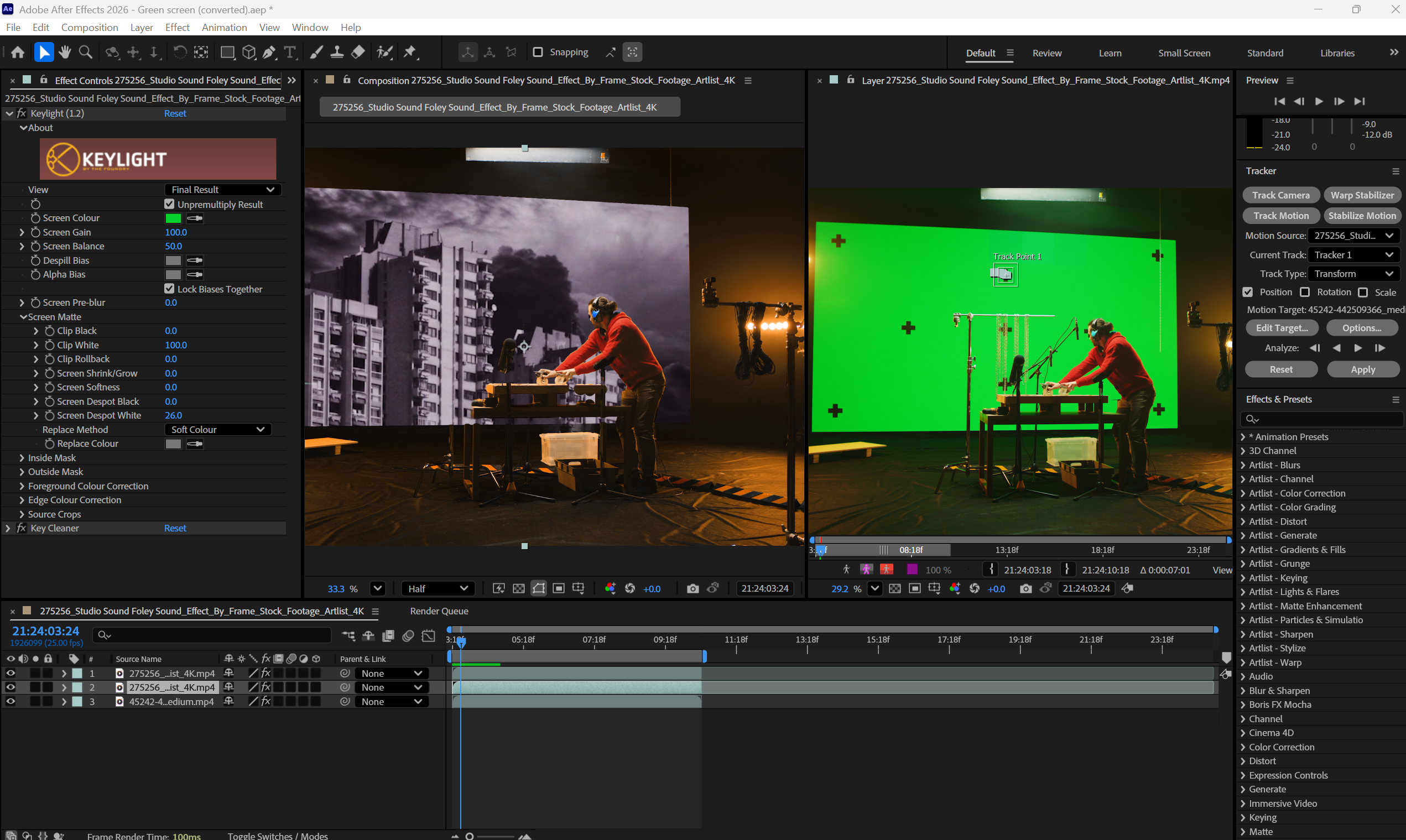
After Effects & Green Screen
Using After Effects, I first tracked the markers on the green screen. Once my tracking was complete, I removed the black + symbols on the green screen by applying a black-and-white effect to the black area. Once all the black areas were removed, I continued to use the keylight effect to remove the green screen. I then overlaid my video onto the comp and connected my tracking markers to it so it would move with the video.
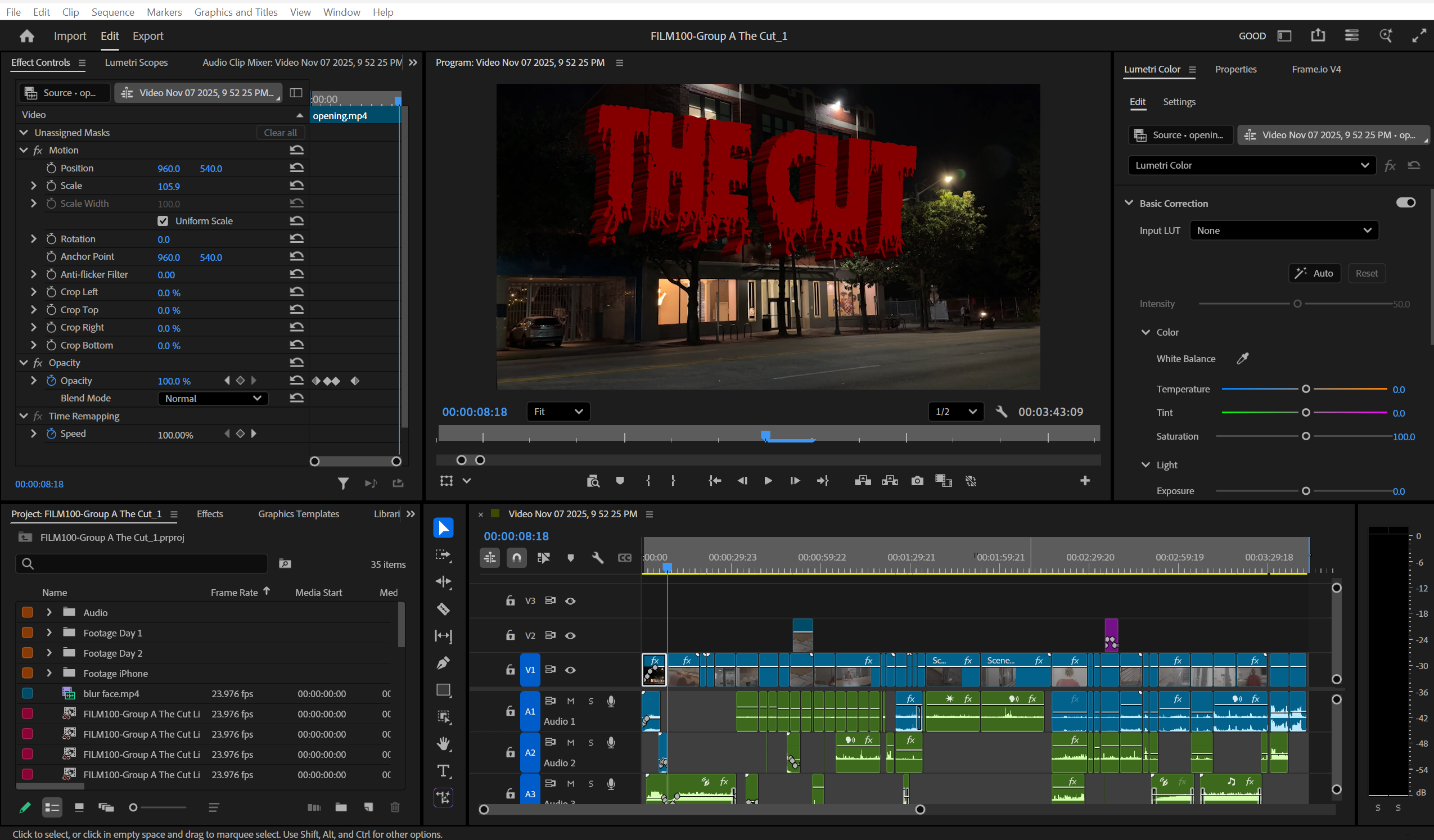
Premiere Pro - Freshmen Film 100
For my Freshmen film 100, I edited our film in Premiere Pro and used After Effects. I edited the sound design, effects, color grading, and cutting. This was before I gained experience in Pro Tools, I edited the sound within Premiere Pro.